Using TagStudio to organise my 3D printing files

One of my biggest hobby is 3D printing. Over the years I've gotten better at it, bought a better printer and dipped my toes in the waters of Fusion360 to make my own designs.
But managing, storing & categorizing all the typical 3D print artifacts (STLs, OpenSCAD files, 3MFs, PDFs) you need before the finished plastic part rolls off the printer was always a tedious job. I recently however landed on what I'd say is the solution I'm most satisfied with comparing it to other attempts.
How I previously approached it
I started out not storing files at all, I considered what's the use if I printed it to have the digital file still in the archive later? I was wrong 😅, it seems if you make a true hobby out of it you discover & print so many files, that at a certain point you need the exact same bracket you printed 4 months ago but land on:
what was the Thingiverse page for this again?
So I started organizing my files on my Mac. Create folder structures (STLs/Electronics, STLs/Hooks, CAD/Clips) and tagging them using Finder. Those tags proved to be very error prone in that version of macOS. The structure was a bit confusing as well, resulting in some duplicates and not being able to remember where I dropped a file.
So I moved to Manyfold which promised to be the selfhosted solution to asset management for 3D printing. It worked pretty well for a while. I got 3D previews, tags to manage my file and search. But as my collection grew, the app became sluggish, I had to dedicate an obscene amount of RAM to the container and it frequently froze or crashed when viewing the STL renders in the browser.
My current solution
I wasn't a 100% happy with how Manyfold was my final solution. One night while watching some YouTube videos about Obsidian I stumbled across this guy on the internet that had Obsidian videos, but was also creating an unrelated application called TagStudio
Though he demoed it as asset management for memes, the features had all I needed to organise my STLs:
- On device library, able to sync across machines
- Fast search through JSON (and later SQLite)
- The best tag management you've ever seen, with not only 1:1 tags but also parent tags, categories, fuzzy search, aliases etc.
It doesn't have STL preview (yet?) but I'm willing to turn a blind eye if I get better findability & overview. I can always view the STL in Finder anyway.
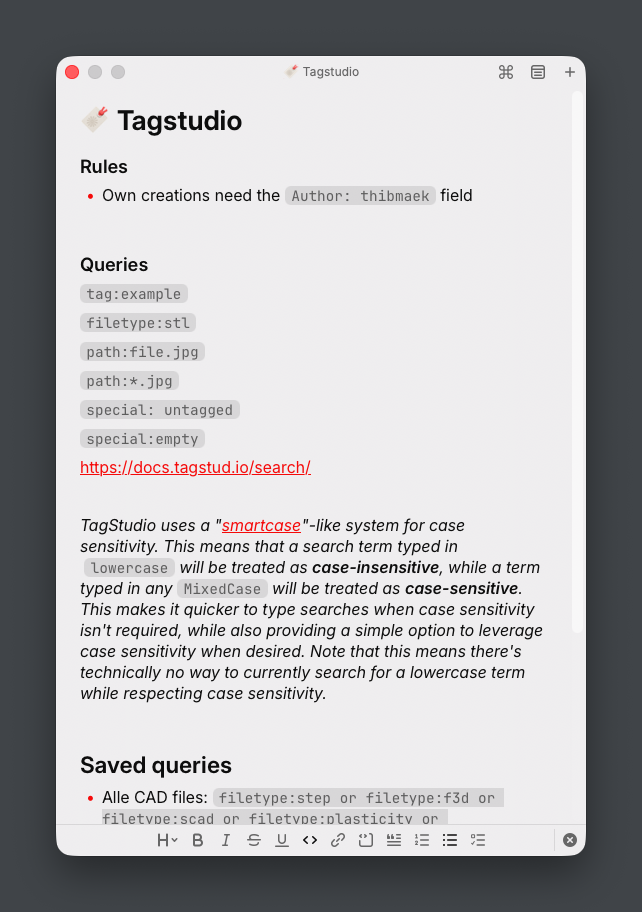
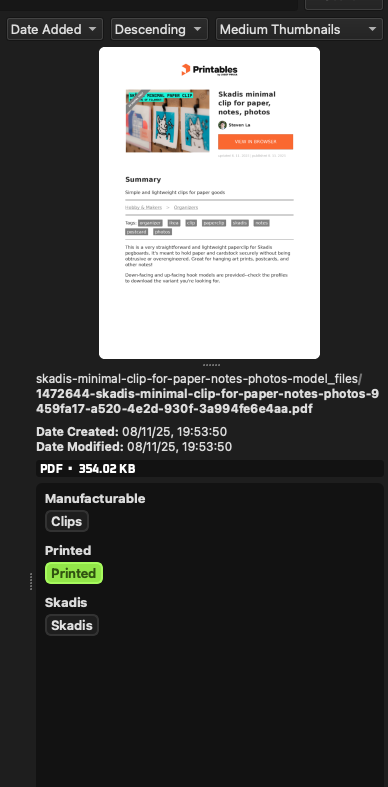
So I jumped once again and downloaded TagStudio, adding a new folder for 3D print files and started tagging them. I primarily download from Printables and here's how I do it today still:
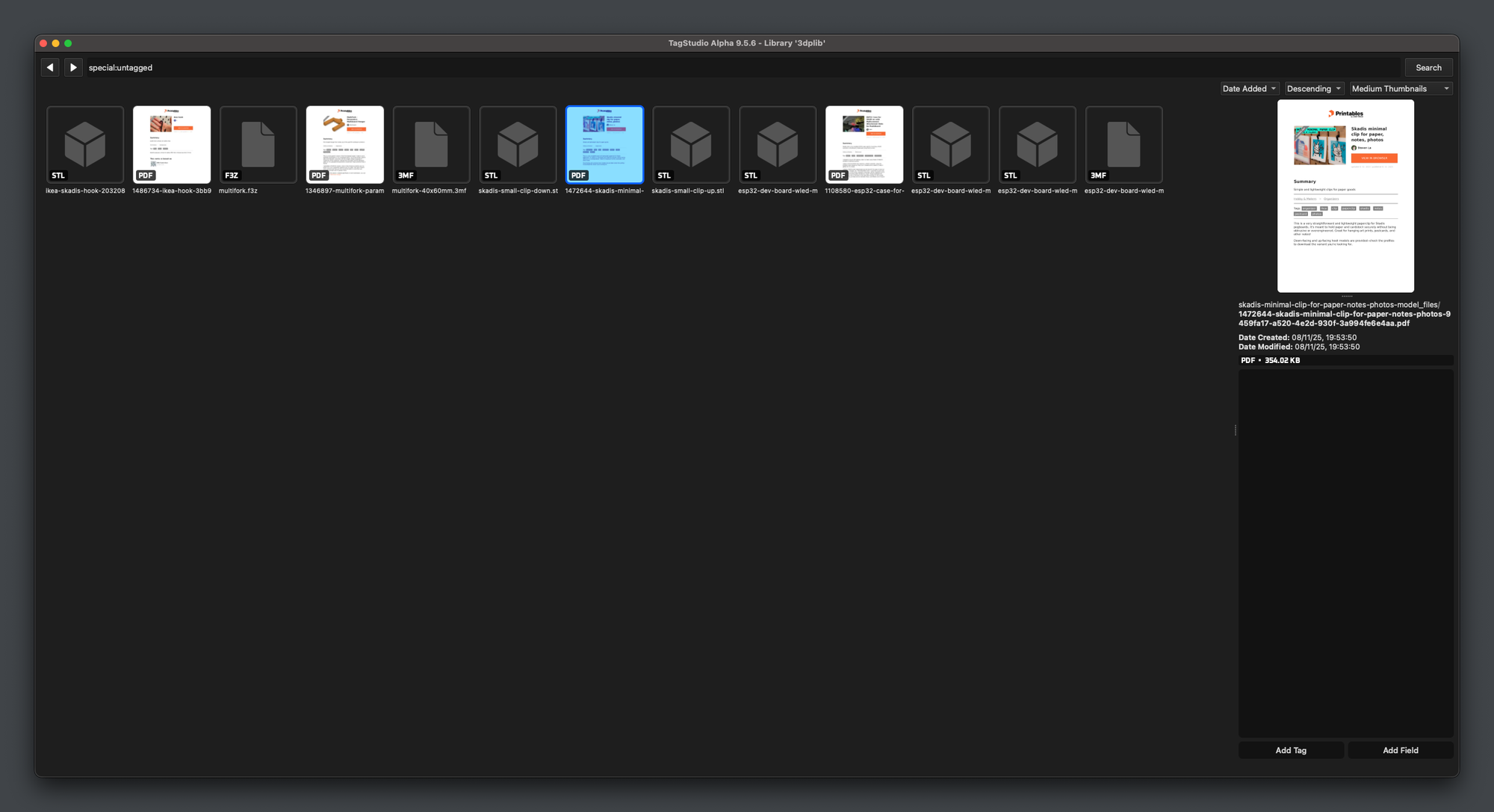
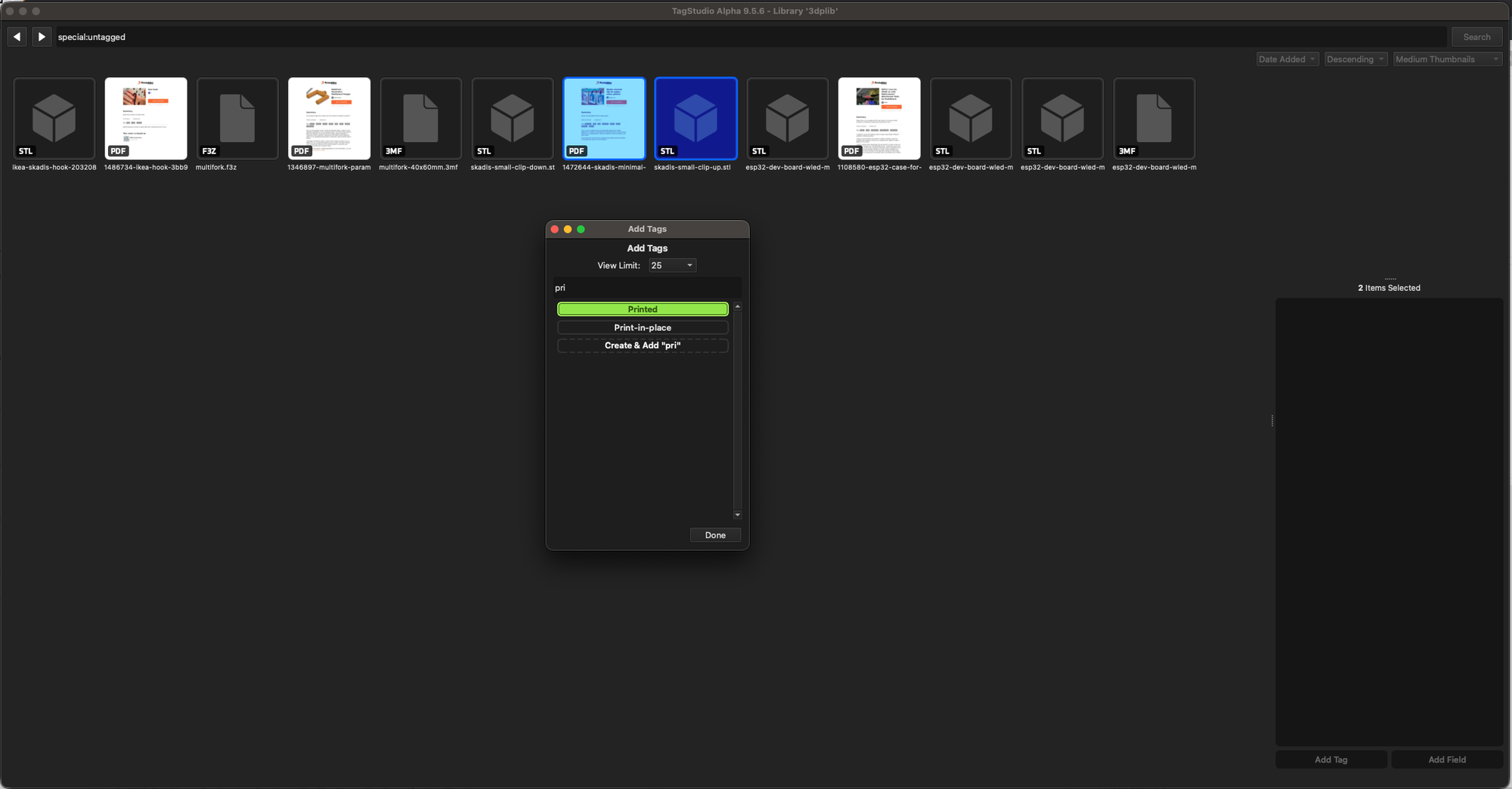
Queries that I often use like listing all PDFs, finding all untagged entries in the folder or finding my favorite Gridfinity prints are then all summarized in a Raycast note so I have it nearby any time: