AI-powered photography: Taking my Ricoh GRIIIx to Ireland

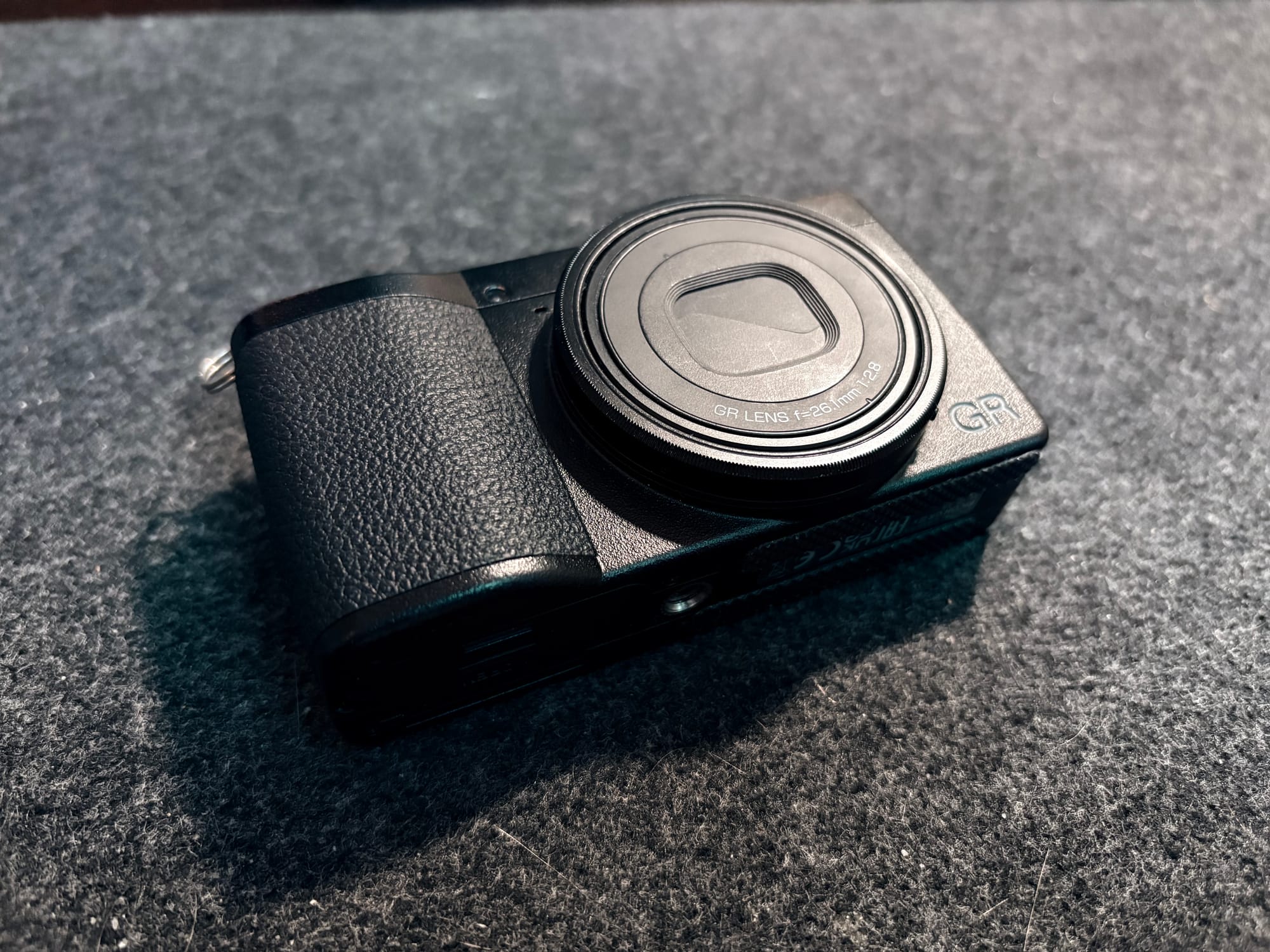
I'm going on a short road trip to Ireland soon, which is the perfect opportunity to take my Ricoh GR III back out of the drawer. It's been sitting unused since I lent it to a friend for his trip, and the weather in Belgium has been quite dull, limiting my photo-walks in the city.
My friend adjusted some settings, and rather than trying to remember my previous configurations, I decided to just factory reset the camera and then start using some of Reggie's best practices for the camera instead:
- Instead of storing multiple recipes, I'll stick to two main ones for easy switching.
- I won't use the user presets (u1, u2, u3) as recipe toggles; instead, I'll adapt them for specific scenarios (street, low light, still life).
Manually this would require a lot of work: checking recipes on ricohrecipes.com and watching/pausing Reggie's video to apply the settings. So, I wondered, can't I use AI to help with this?
Summarizing Reggie's tips
I've recently been really into Superwhisper, an AI voice assistant that can work in different modes (basically system prompts and model selections) to customize its text output. I opened Reggie's YouTube video, hit play, and activated Superwhisper in Note mode, which provided me with a clear recap of his video.
Reggie's Settings
Focus Settings
- Focus Mode: Auto Area or AF Center (default for subjects in center).
- Touch AF: Used manually if auto area fails.
- Face/Eye Detection: On (useful for portraits).
- AF Assist Light: Off (to avoid distracting subjects).
- Snap Distance: Usually 1.5m or 2m (adjusted in the field; not a fixed default).
- Full Press Snap: On (though rarely used as it hides focus range).
- Focus Peaking: Off.
- AF Continuous (AFC): Priority set to 2fps (note: AFC is rarely used by the speaker).
- Manual Focus/Auto Magnification: Off.
Exposure & Metering
- Exposure Mode: Aperture Priority (used for U1, U2, and U3 modes).
- AE Metering: Multi-segment (default); occasionally Highlight-weighted.
- ISO Settings:
- Mode: Auto.
- Upper Limit: 6400.
- Lower Limit: 100.
- Minimum Shutter Speeds (User Modes):
- U1: 1/125s (Portraits/Action).
- U2: 1/60s (Still life/Low light).
- U3: 1/15s (Intentional low light blur).
Image & Color Settings
- White Balance: Multi-Auto White Balance (MAWB) with a shift of 0:A6 (adds warmth).
- WB Fine Tuning: Off.
- File Format: RAW + JPEG.
- Aspect Ratio: 3:2.
- Color Space: sRGB (preferred for web consistency).
- Image Control (Recipes):
- Slot 1: Reggie’s Color Negative.
- Slot 2: Reggie’s Monotone Standard.
- Peripheral Illumination Correction: On (corrects vignetting).
- D-Range Correction: Highlight Correction (Auto), Shadow Correction (Medium).
- Noise Reduction: Off.
- Shake Reduction (IBIS): On.
- Horizon Correction: Off.
- HDF (Highlight Diffusion Filter): On (assigned to movie button).
Customization & Controls
- User Modes (U1-U3): Primarily used to save different minimum shutter speeds.
- Mode Dial (ADJ):
- Snap Focus
- Focus Setting
- Image Control (Recipes)
- AE Metering
- Outdoor View Setting
- Function Buttons:
- Fn Button: AE Lock (Set to "Keep AE Lock" to toggle on/off).
- Left D-Pad: Crop shortcut.
- Right D-Pad: Drive Mode/Multi-exposure.
- Movie Button: HDF toggle.
- Shutter Button: Set to AF + AE Lock.
Display & System
- Electronic Level: Level and Tilt (Design Type 1).
- Grid Guide: Center point line (not 3x3).
- Instant Review: 0.5 seconds.
- Auto Image Rotation: On.
- Power Lamp: Off.
- Shutter Sound: Off.
- Auto Power Off: 1 Minute.
- LCD Settings: Calibrated to +4/+4.
I could save that recap as an Obsidian note, apply all the desired settings in one go, and tweak settings here and there to my personal preferences.
Getting the right recipes
In the past, I've used a combination of recipes from the Ricoh Recipes app, Reddit, and recommendations from friends. As I accumulated them, I stored the recipes in various places. Now was the time to create a one-to-rule-them-all note with all the recipes so I could easily scroll through them or, even better, feed them into an AI assistant.
Since an LLM cannot easily extract data from an iOS app like the Ricoh Recipes one, I instead used the links from ricohrecipes.com and provided them to a single chat, asking it to extract only the settings for the recipes using Raycast.
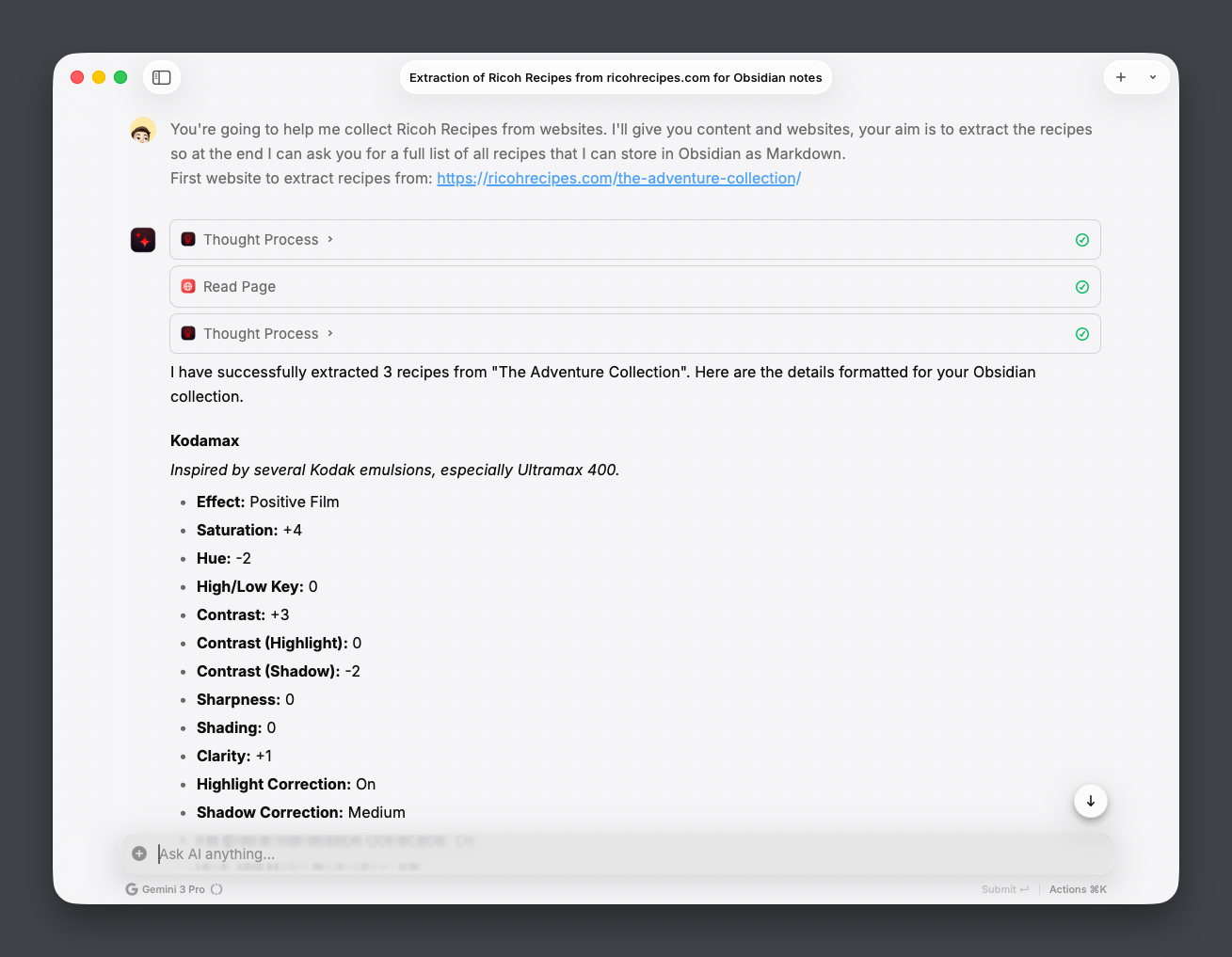
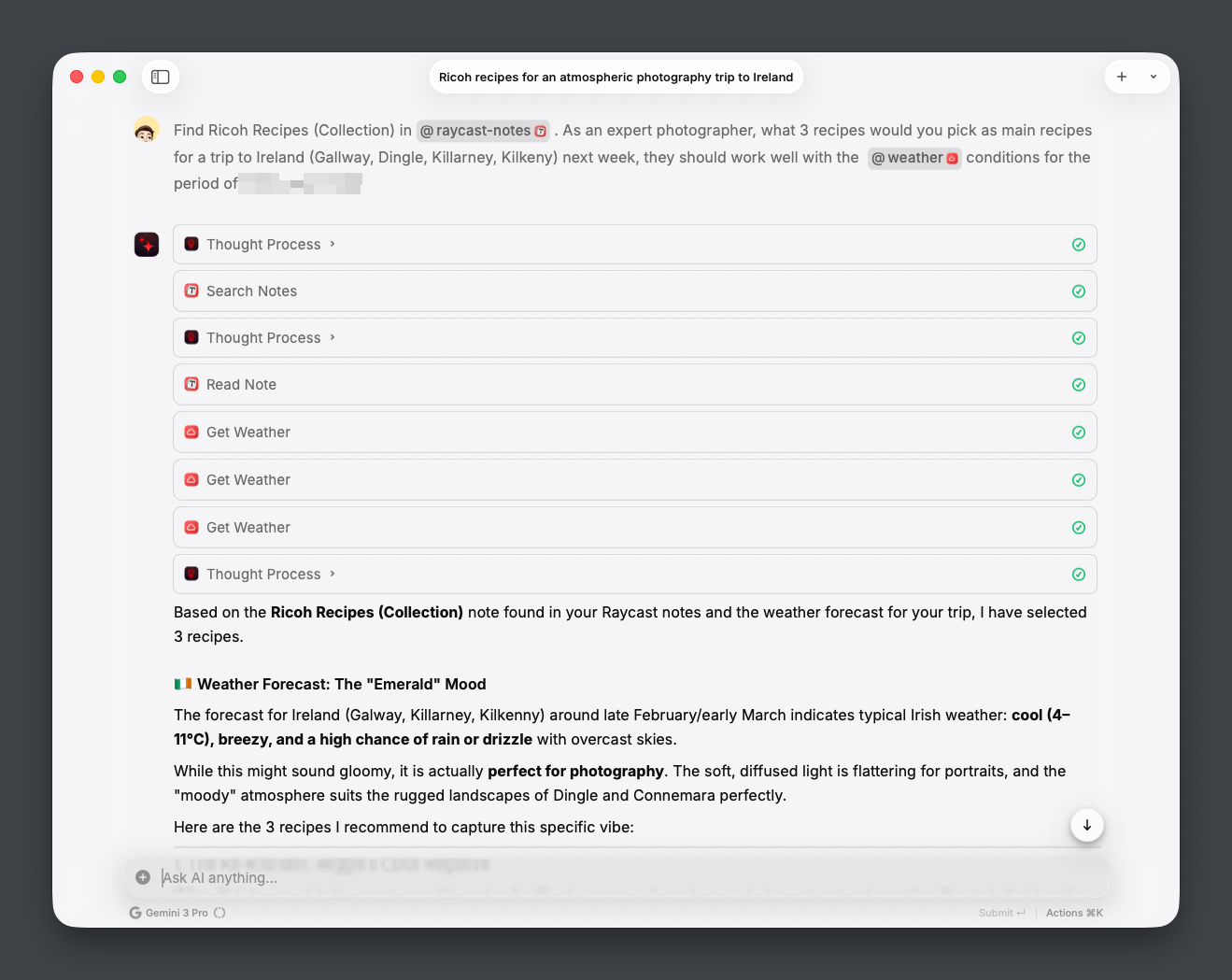
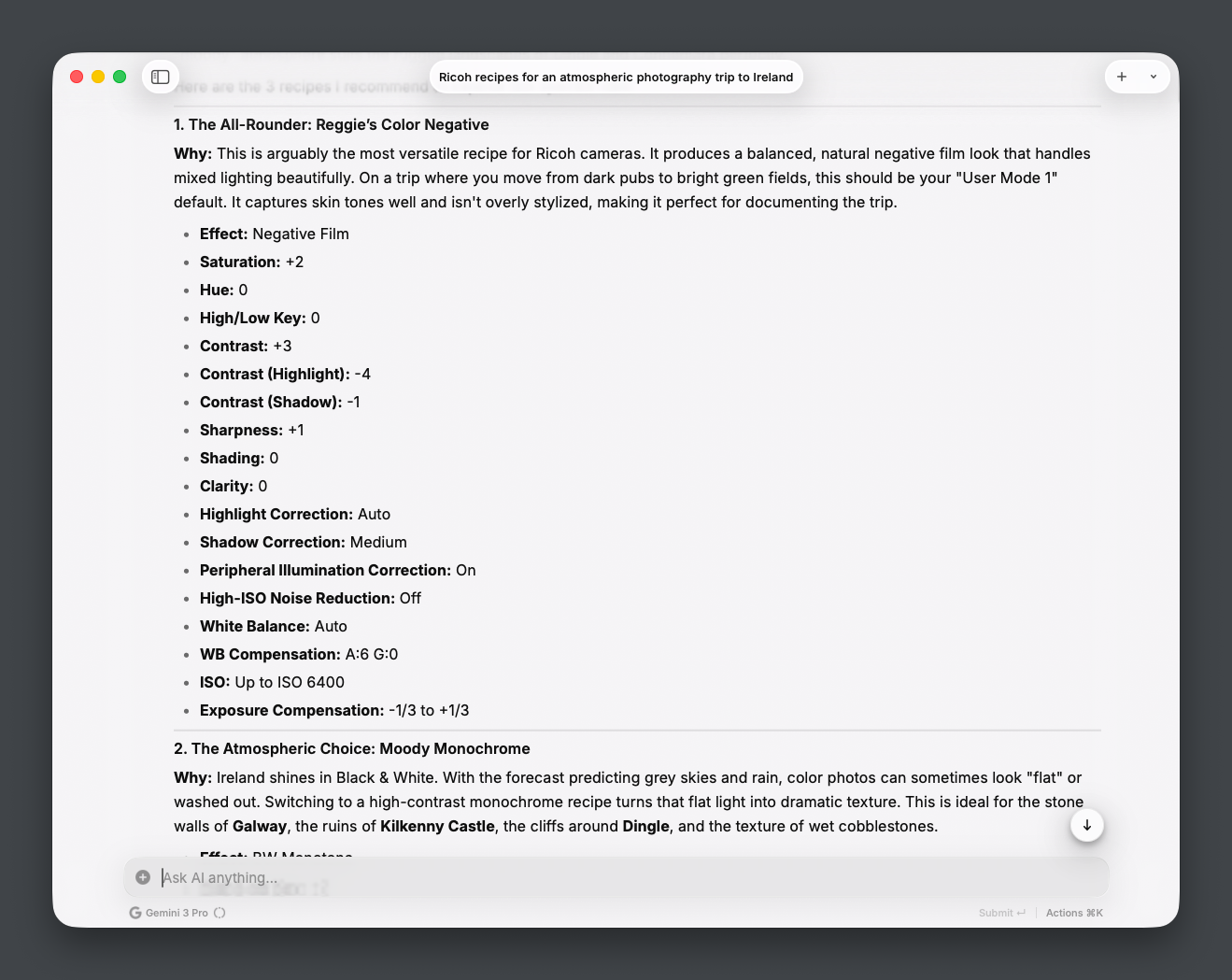
That provided me with a complete list, which I then pasted into a Raycast Note (I haven't set up an MCP for Obsidian yet). I asked it to review the recipes from a photographer's perspective, checking the weather for the locations and identifying the top three recipes to use for my trip.
The result
In about an hour, I was ready with the Ricoh camera for my trip. Normally, I would have taken an afternoon to watch videos, research websites, and apply and test the settings.
I'm curious to see how it turns out using these settings for the first time in the wild, and I will update with some sample pictures here after the trip. 📸